


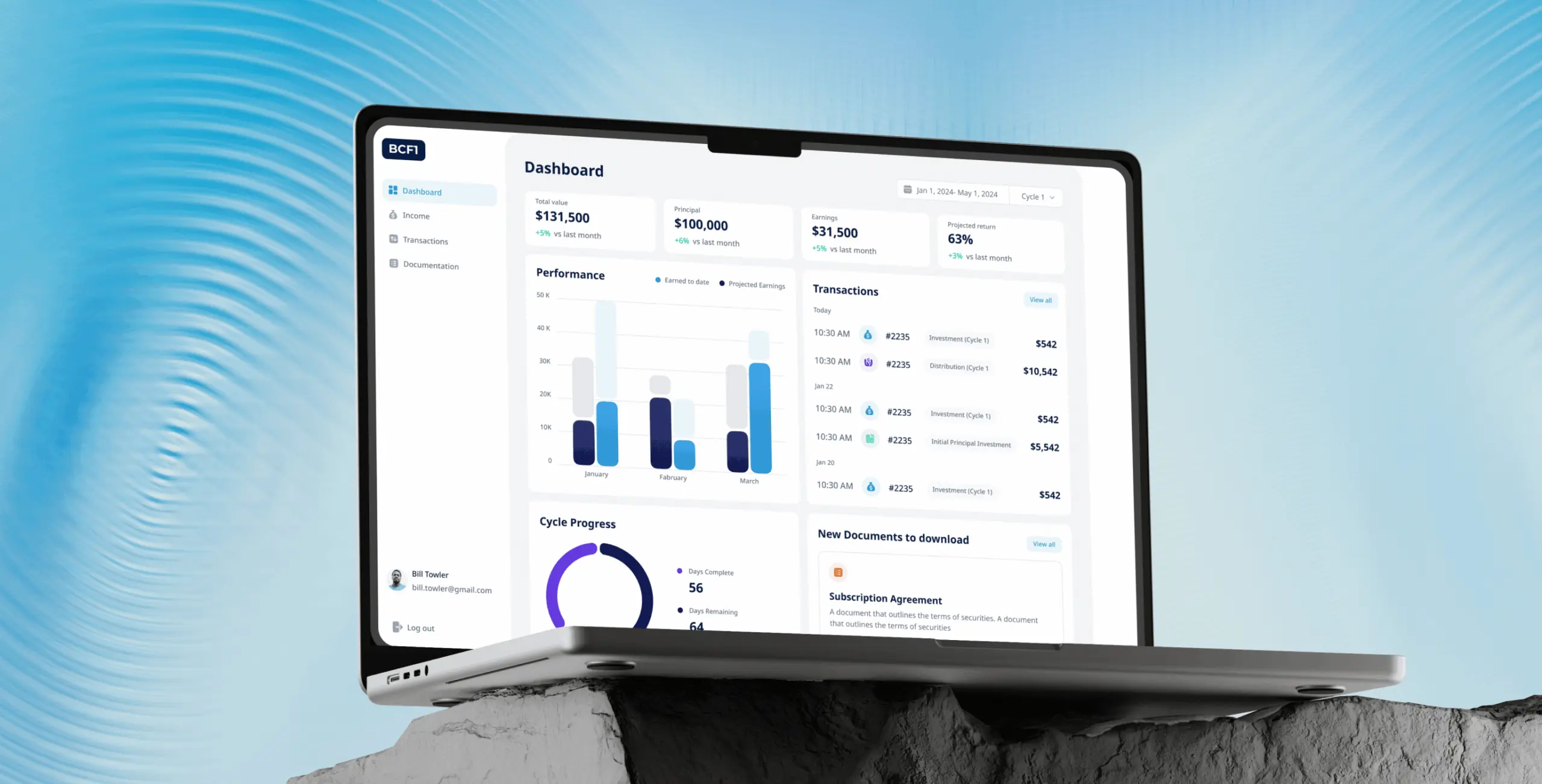
Bliss Creek admin panel – how a custom dashboard design simplified user management and streamlined transaction cycles
Client
Bliss Creek
 NJ, USA
NJ, USA
Technologies
 React
React
 next
next
 flowbite for ui
 firebase
 tailwindcss
 Redux
Redux
 React Hook Form
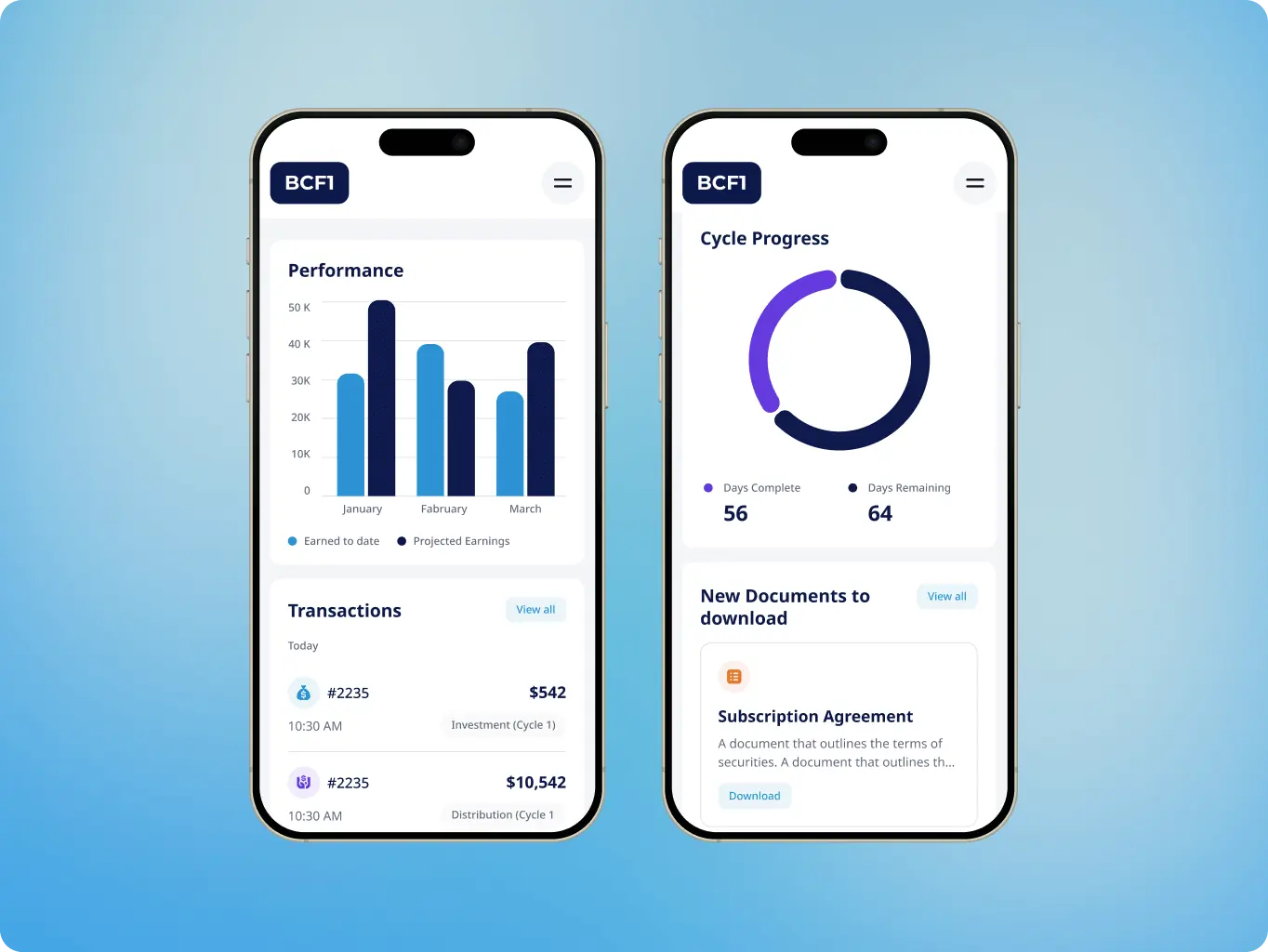
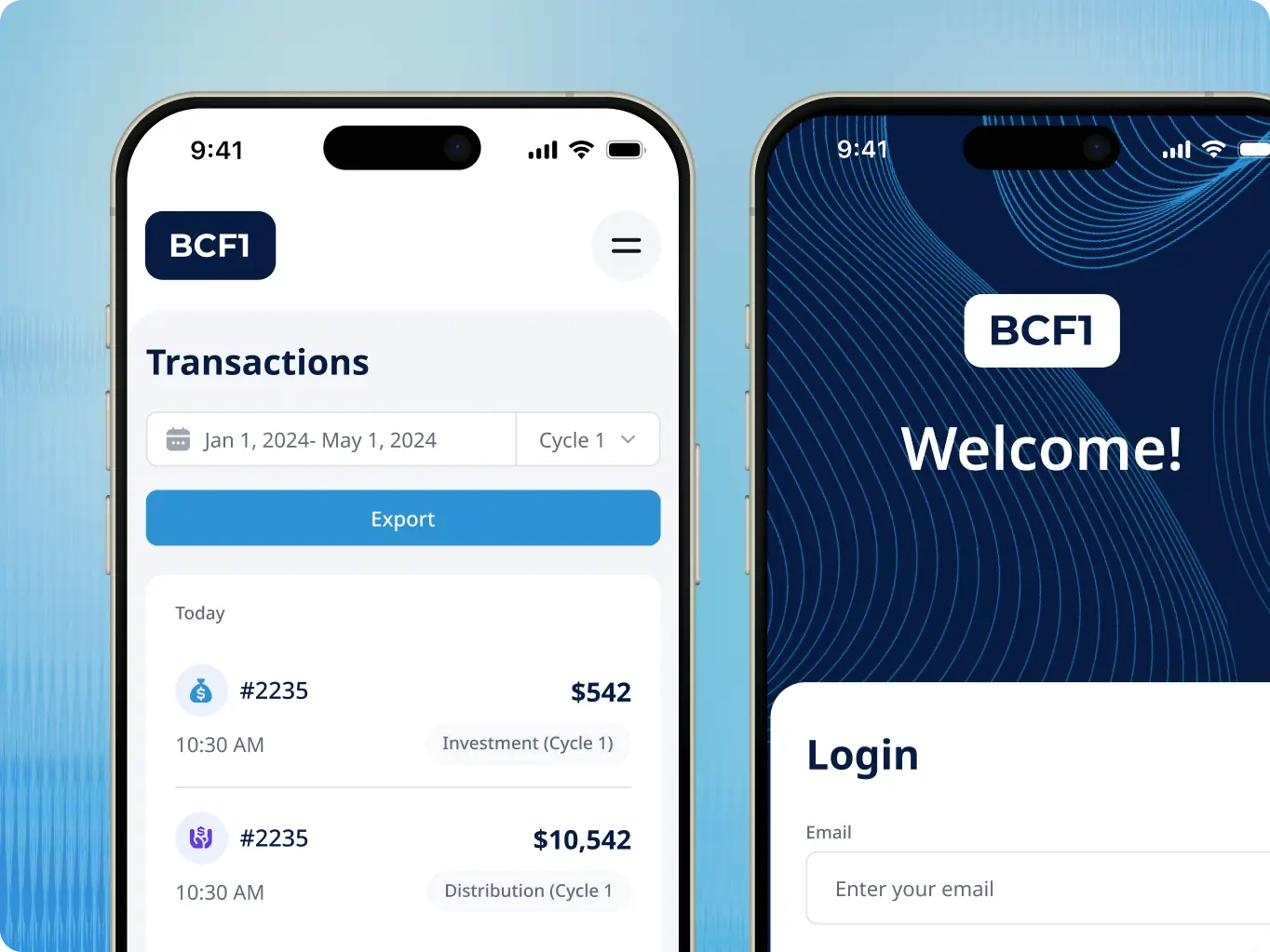
The client needed an admin panel that gave administrators full visibility over user data, transactions, and documentation — all organised around tranche cycles.
The goal was to bring everything into one place: user information, transaction tracking, document uploads, and cycle management, without the complexity that usually comes with consolidating that much into a single dashboard. Key requirements included straightforward user, cycle, and transaction management, advanced filtering and sorting, and full CRUD operations. They also needed LIFO processing and data management tools solid enough to hold up against accuracy and compliance requirements across all admin workflows.
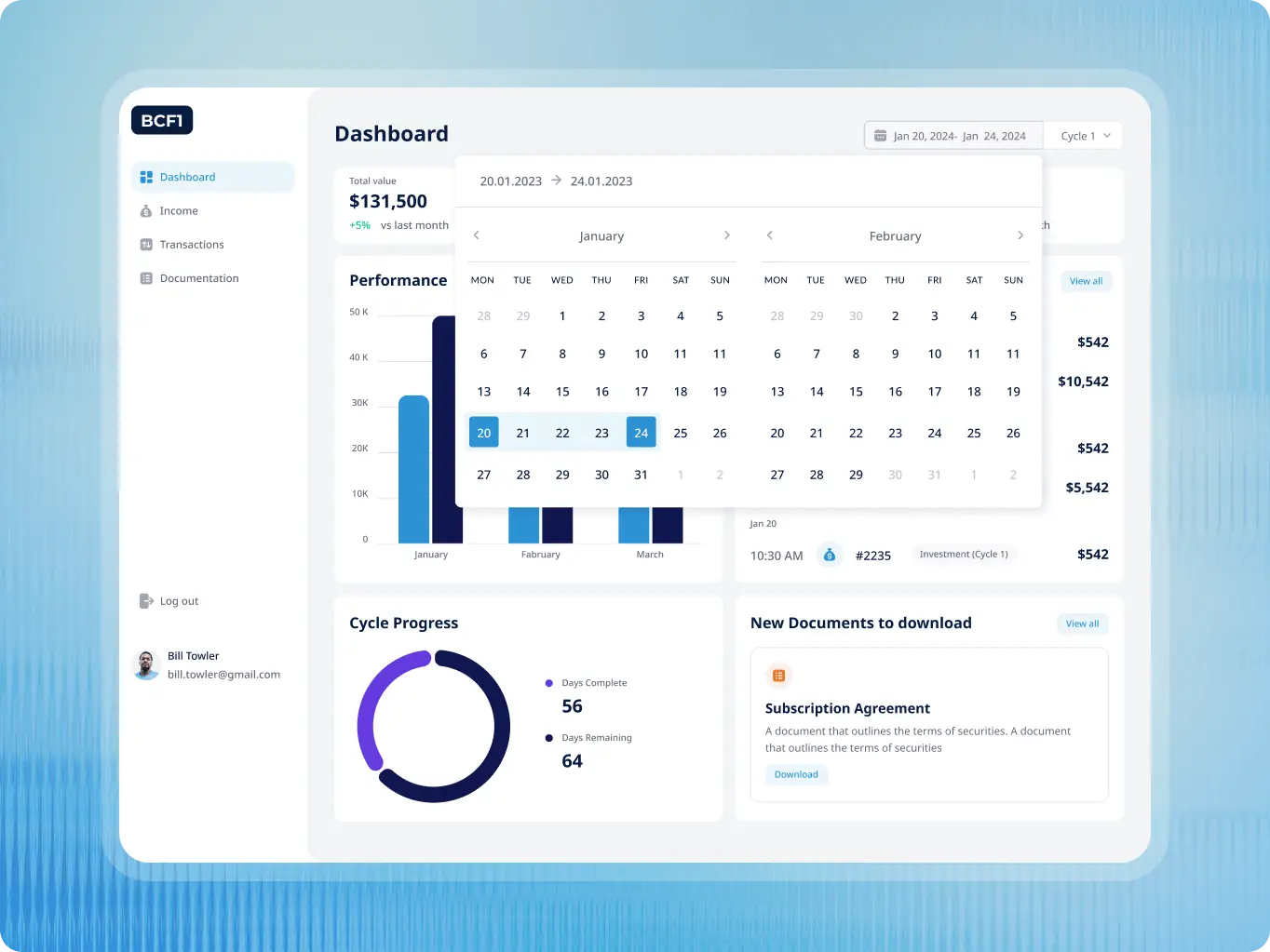
The Bliss Creek Admin Panel was designed around the tasks admins actually spent their time on — user management, transaction tracking, tranche cycle oversight, and document handling. The goal was to make those workflows feel straightforward rather than something to be navigated around.
The interface uses a cool blue palette and clean typography to keep things readable and focused. The visual choices were deliberate — a design that feels calm and professional reduces the cognitive load of working through complex data day after day.
Stages
- Wireframes
- UI Design
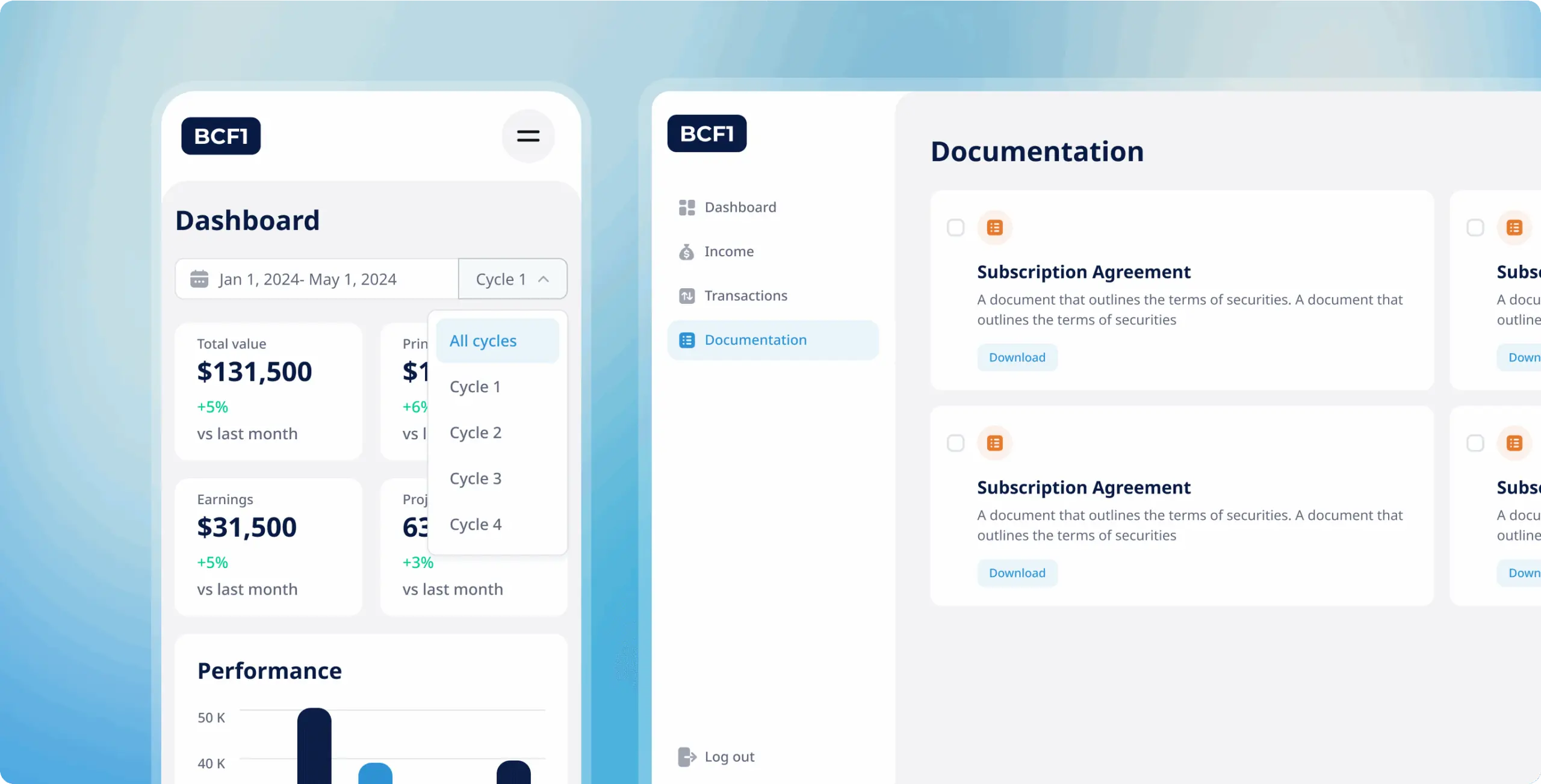
Wireframing focused on getting the core user flows right for the three main areas of the panel.
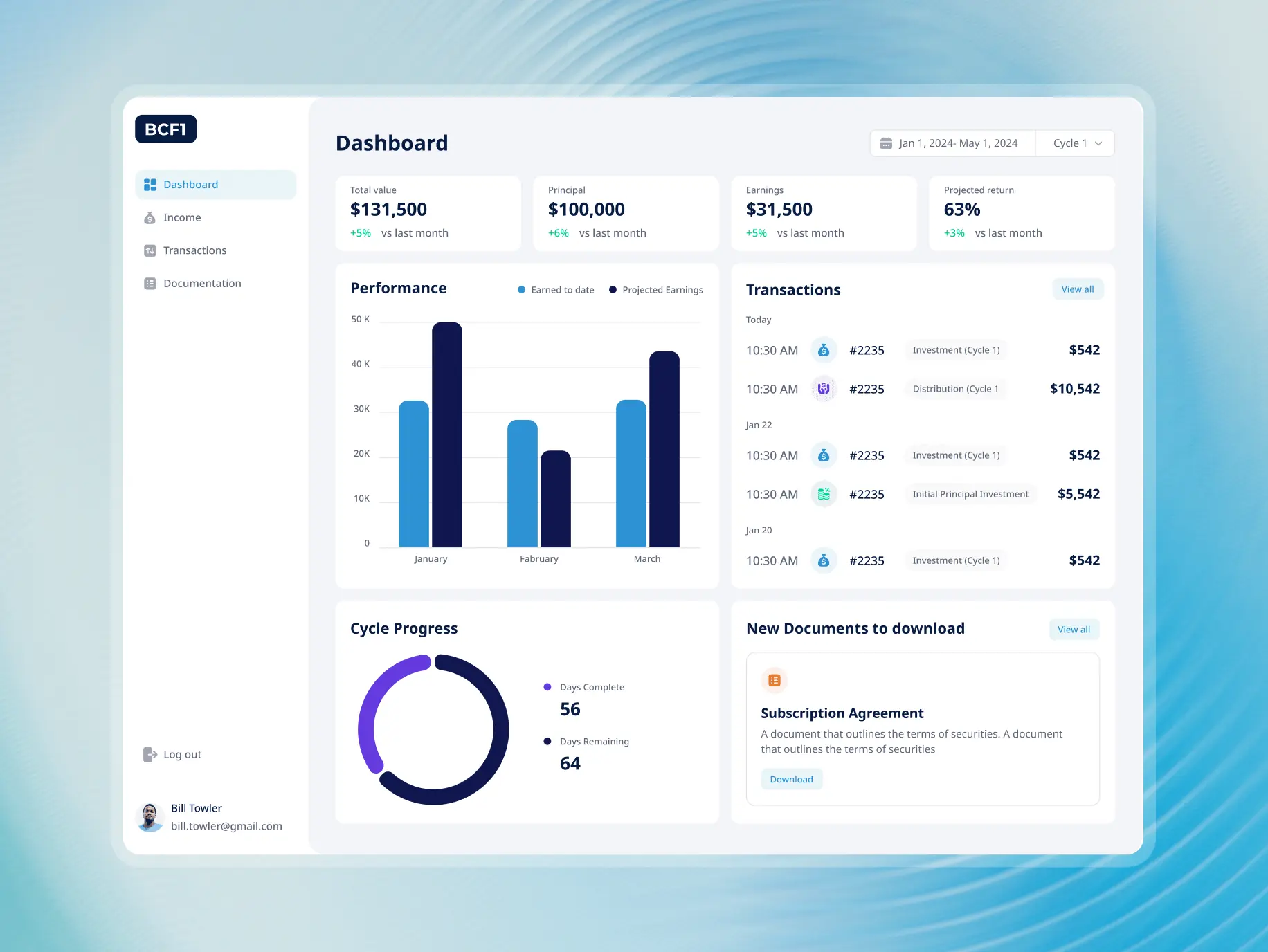
The Dashboard was designed to give admins an immediate read on what mattered — total, open, and closed cases alongside success rate, with visual aids and a time filter for drilling into specific periods. The Transaction section was kept simple: a sortable table with the details admins needed at a glance — ID, date, description, and status. The Documentation area was straightforward by design, with clear access to agreements and guidelines and obvious actions for opening or downloading them.
Getting these flows settled early meant the design iterations that followed had a solid structure to build on rather than revisiting the basics.
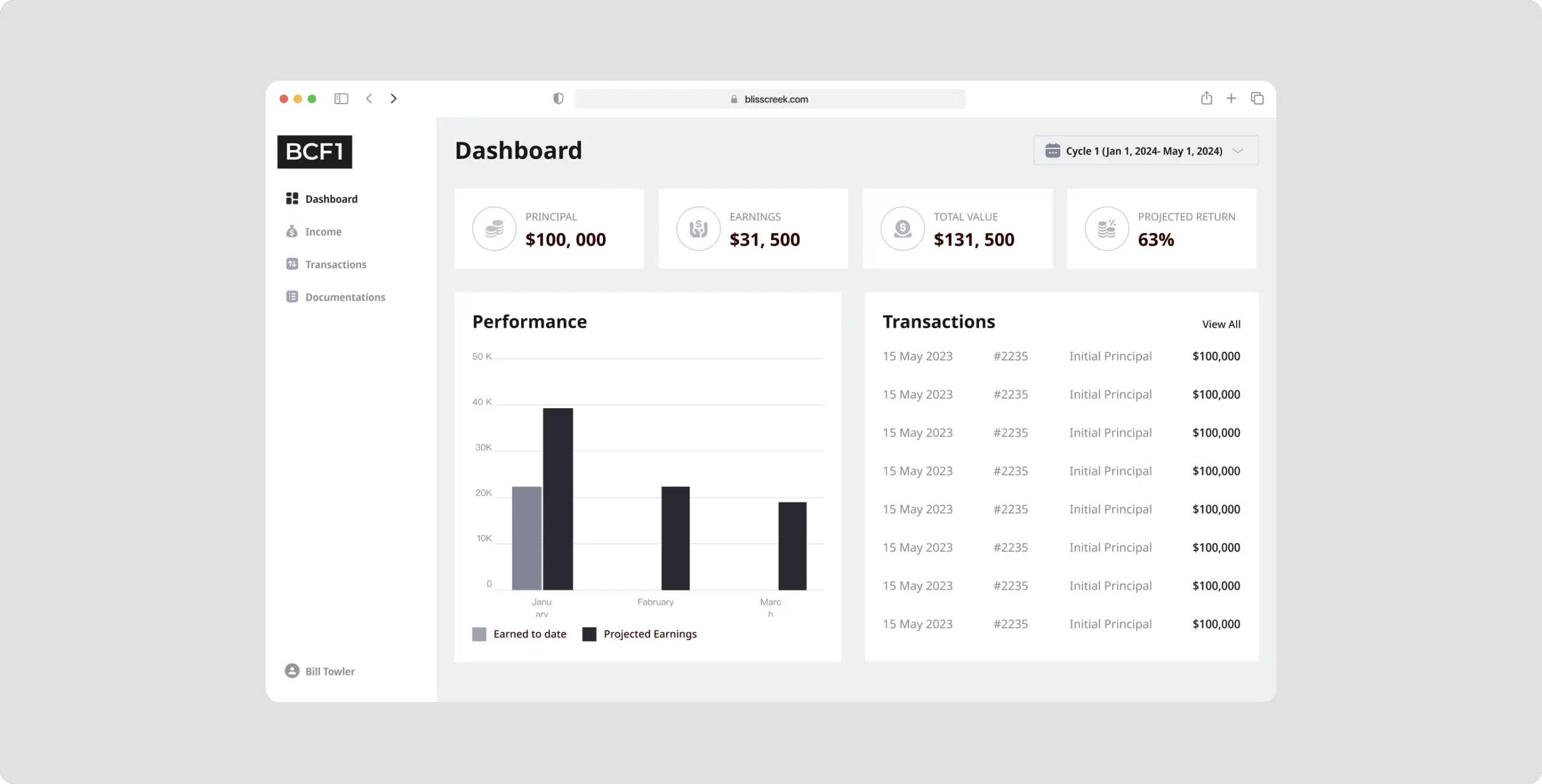
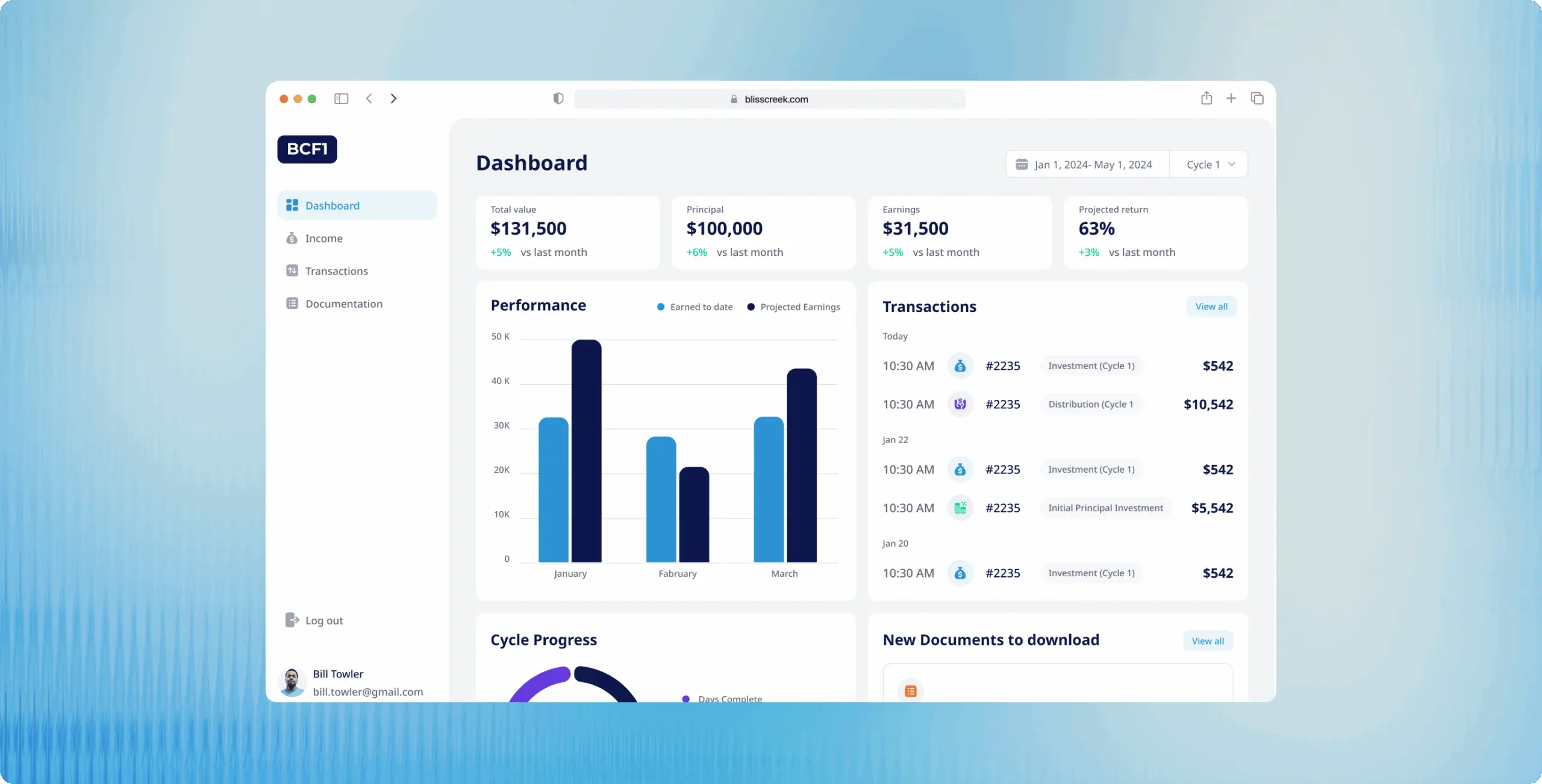
The UI design kept the focus on speed and clarity for the tasks admins did most often. The dashboard uses interactive charts and period filters so performance data is easy to read and quick to drill into. The Transactions page keeps logs clear and sortable without adding unnecessary steps to find what you’re looking for.
Documentation is organised for quick access, and the visual consistency across the panel means admins can move between sections without having to reorient themselves each time.
Unified dashboard overview
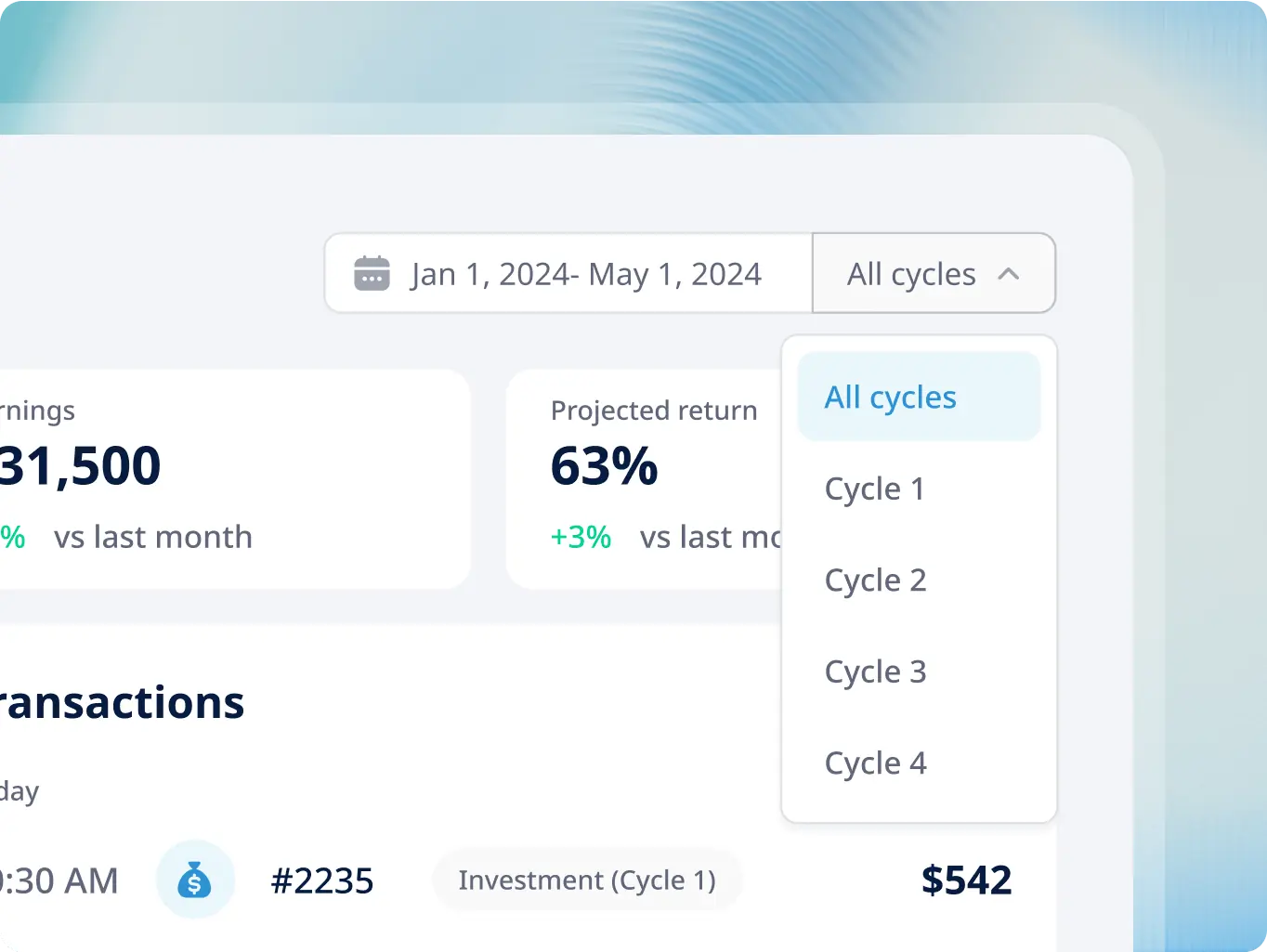
he main dashboard shows total value, principal, earnings, and projected returns in one place, updated in real time. Performance charts and progress indicators make it easy to spot trends and check on key metrics without digging through the numbers manually.
Income summary
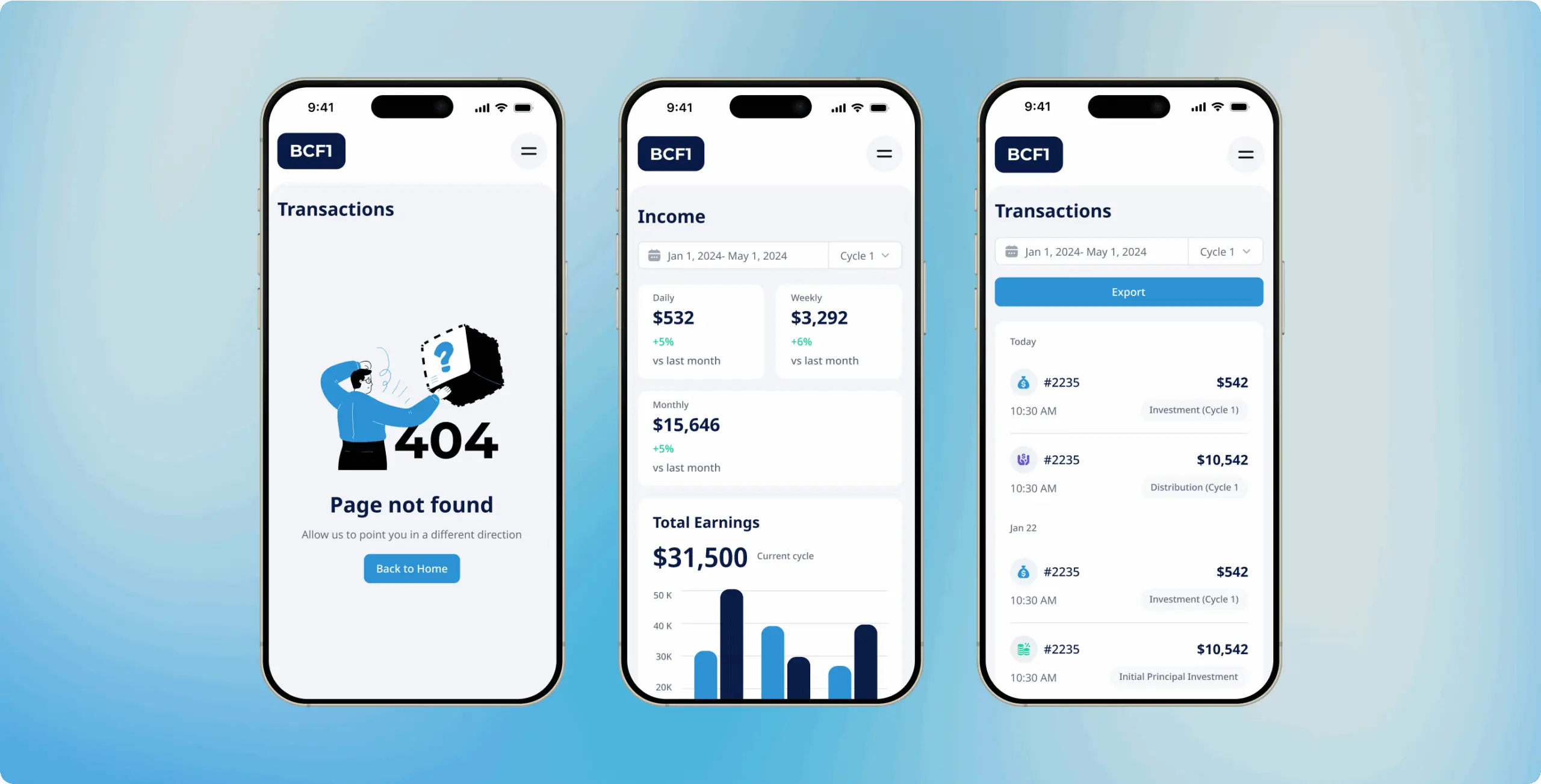
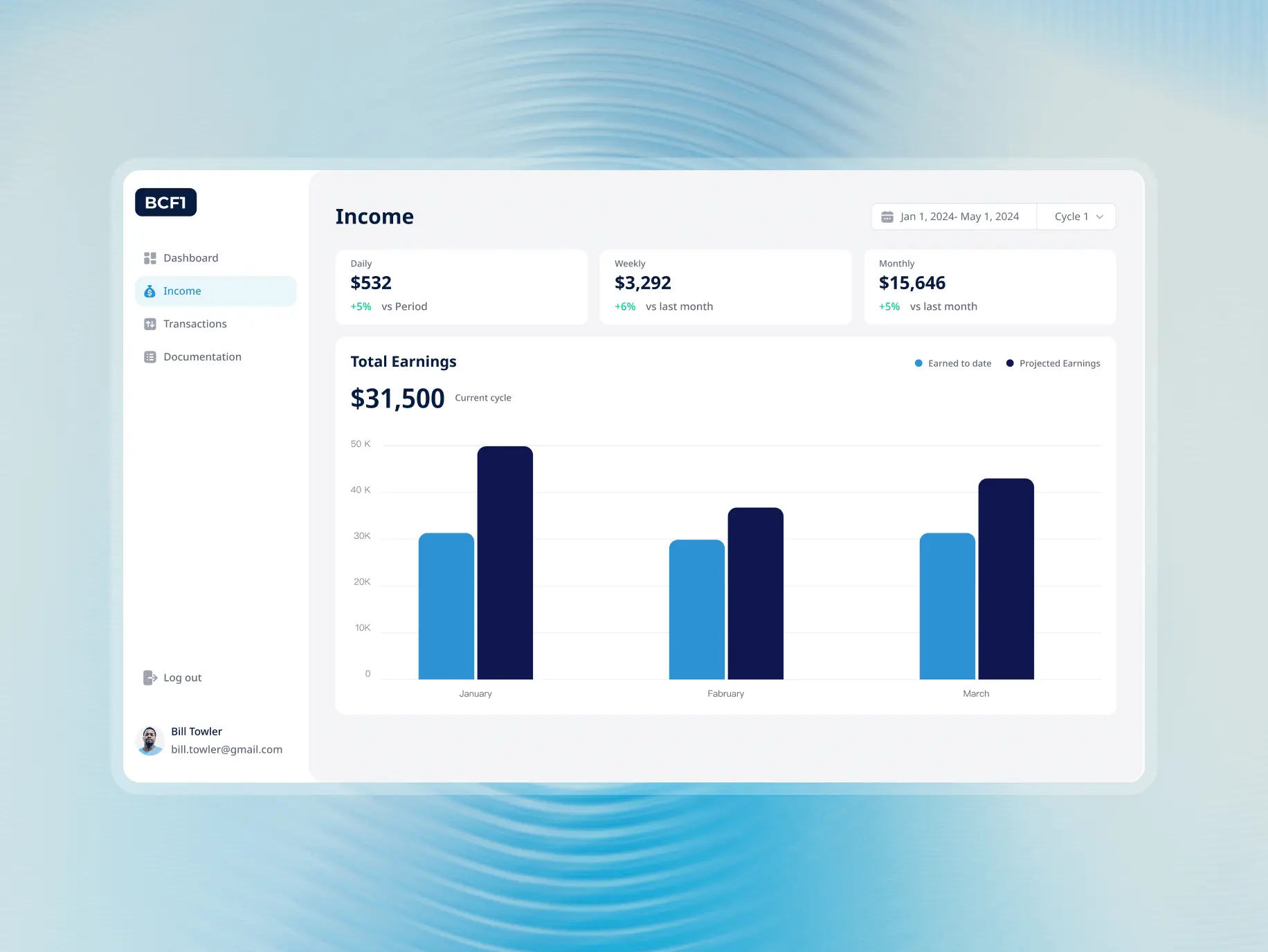
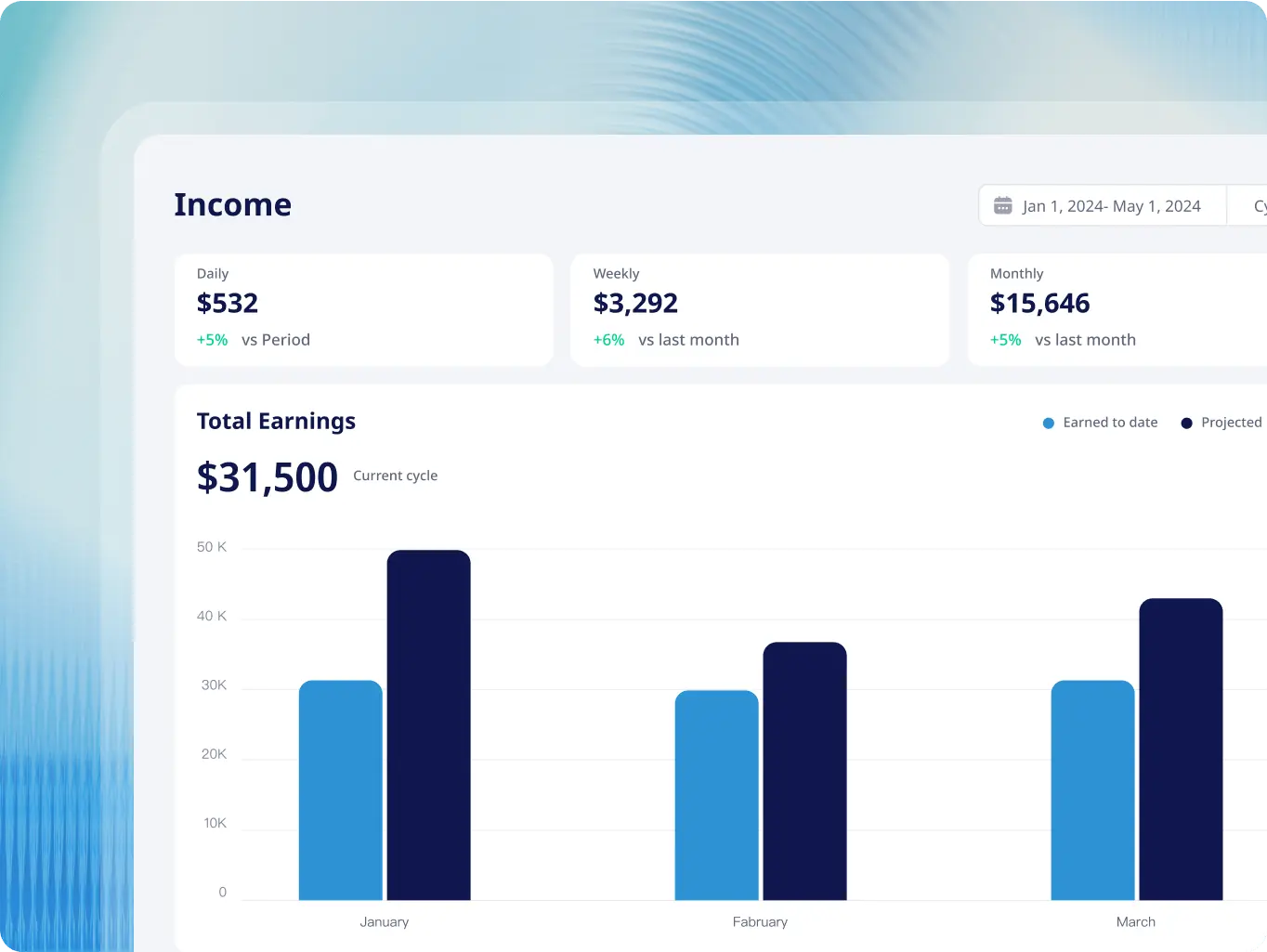
The income page breaks down earnings by day, week, and month, with comparisons to previous periods so trends are easy to spot. Total earnings for the current cycle sit prominently at the top. A bar chart puts actual and projected income side by side across months — making it straightforward to see at a glance whether performance is tracking where it should be.
Transaction monitoring
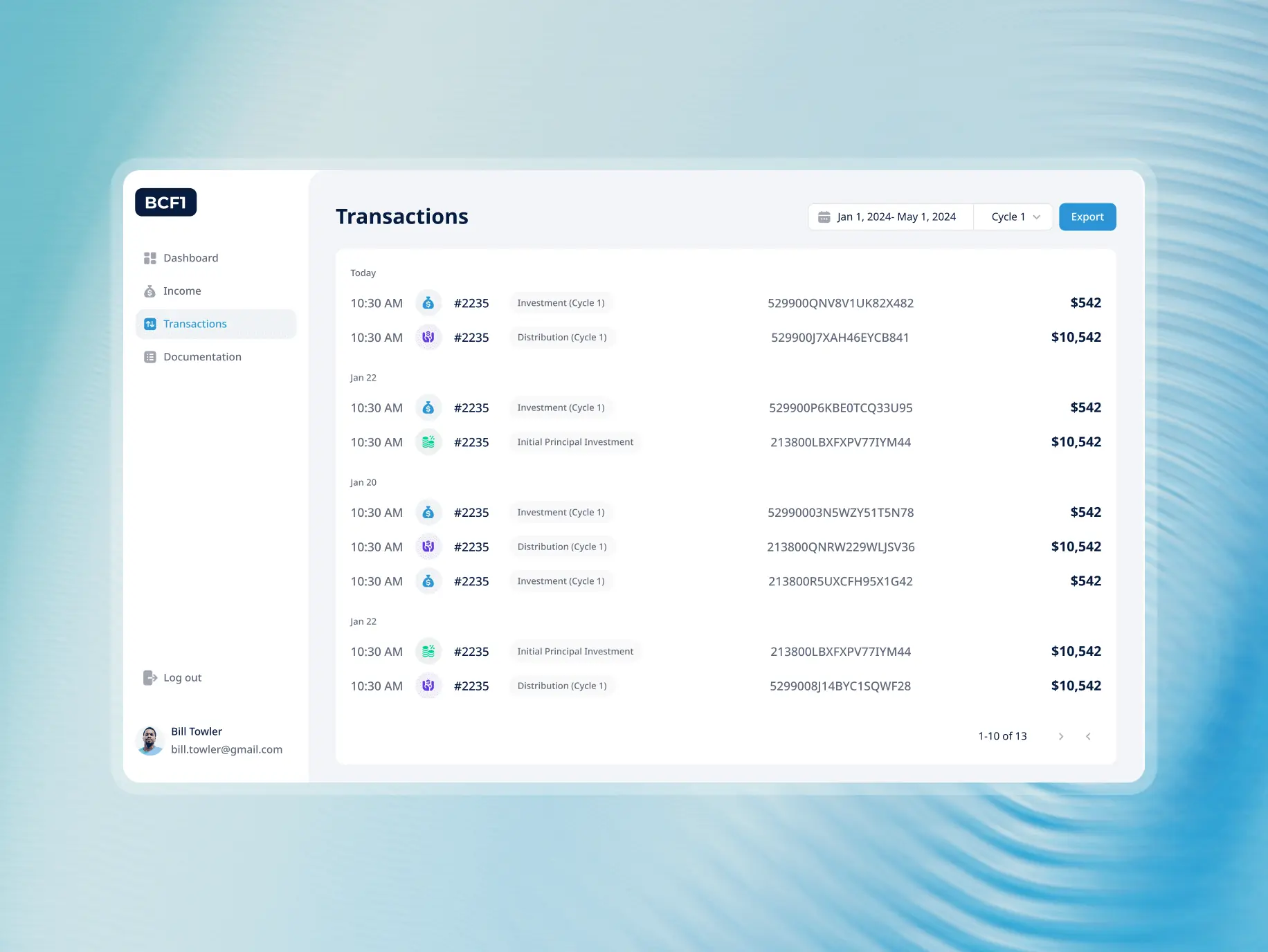
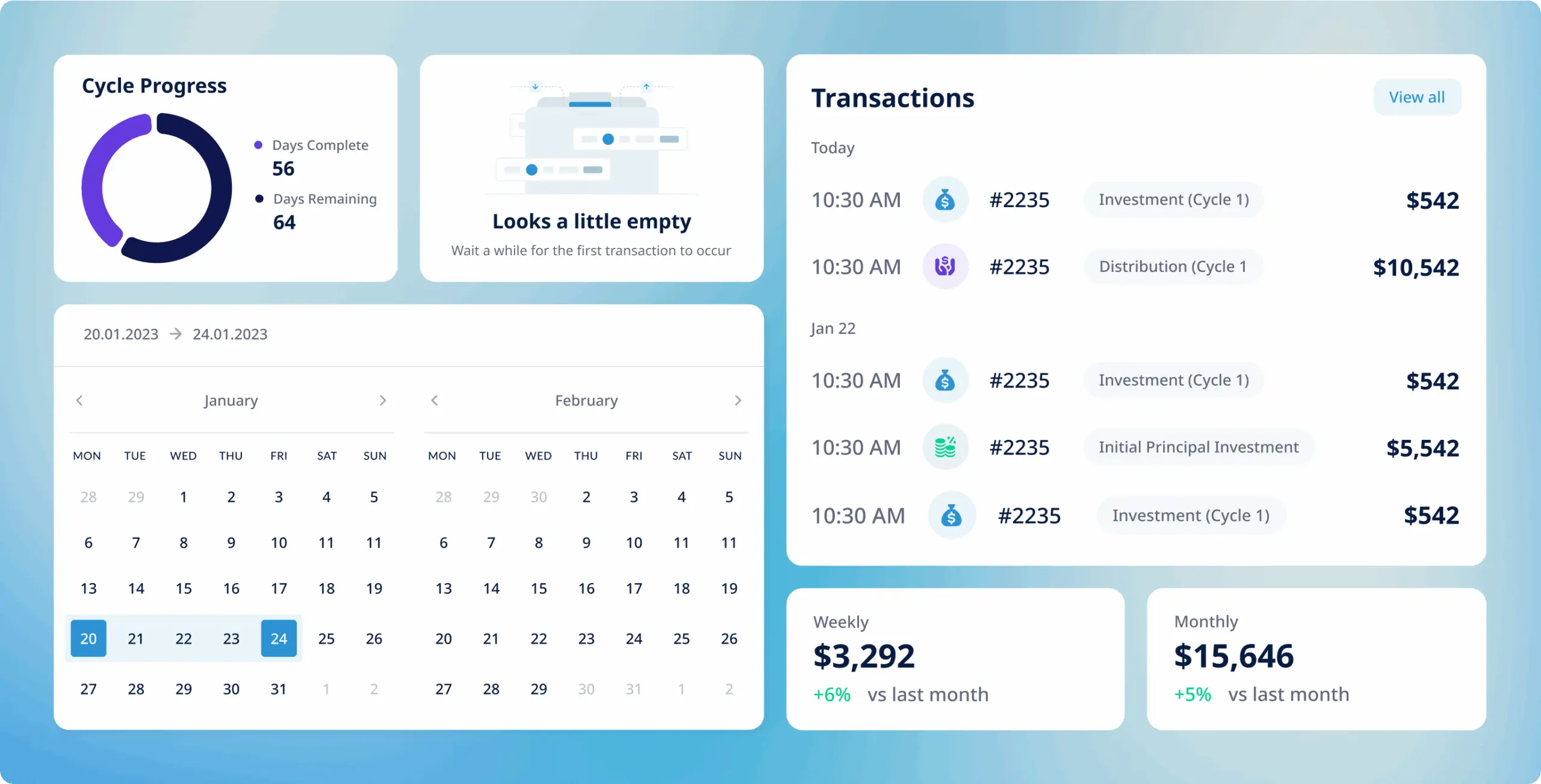
A dedicated section tracks all user transactions in detail, organised by date, type, and amount. Admins can monitor transaction histories, spot anomalies, and stay on top of regulatory requirements — all through the same set of lifecycle management tools.
Documentation management
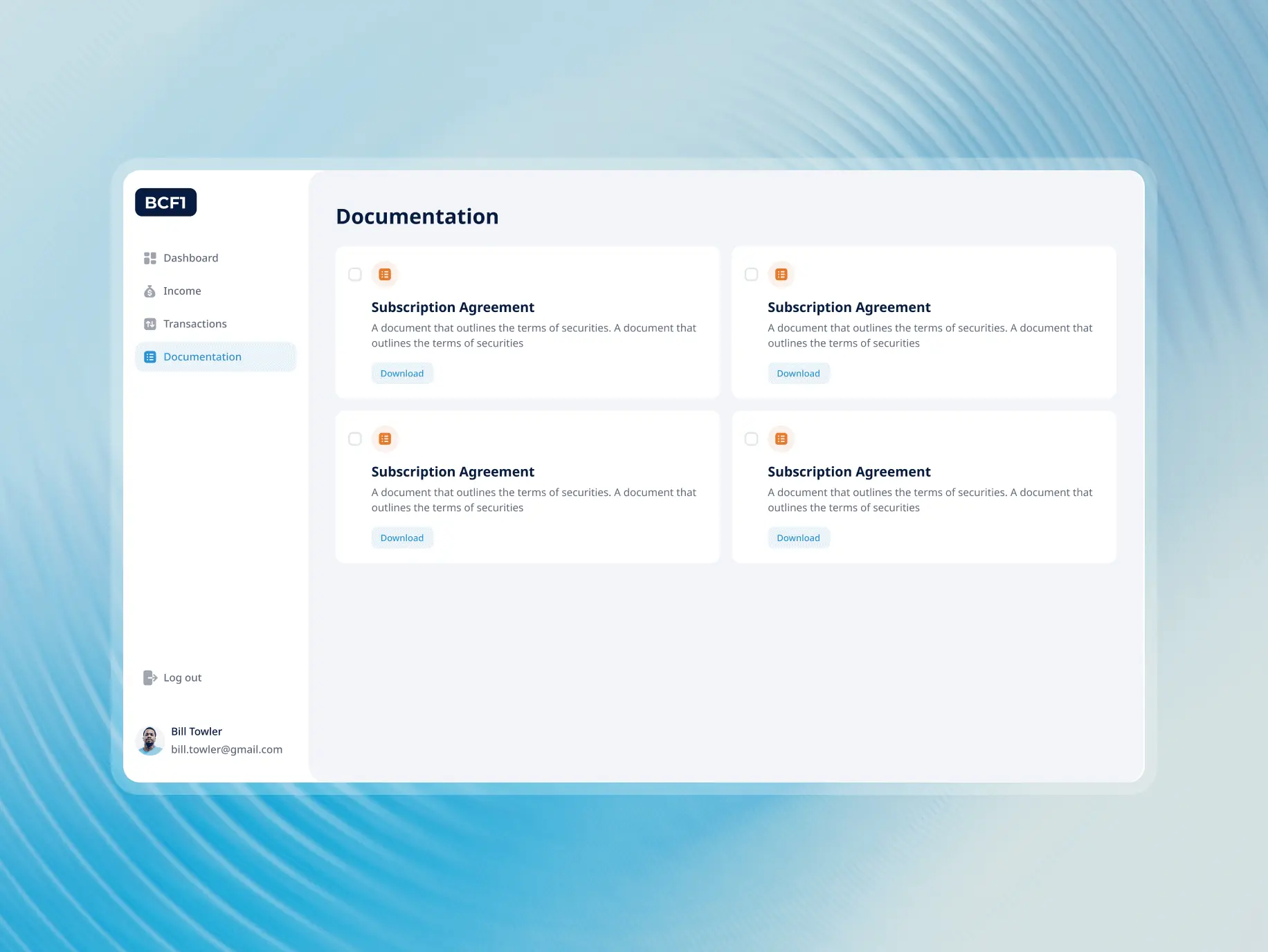
The documentation section keeps all uploaded user documents — subscription agreements and similar — in one place. Admins can view, download, and manage compliance-related files without hunting across the panel to find them.
The development work started with an inherited codebase that needed refactoring before anything else could be built on it. Getting the foundation right was the priority before adding anything new.
The frontend was built on React and Next.js with Flowbite UI components, which kept the interface consistent and made prototyping faster. The heavier engineering work was on the backend — Firebase was integrated for secure, efficient data handling, and Redux kept state management predictable across the system.
The backend had real limitations out of the box, but we worked within them to add the features that mattered most: real-time updates, advanced filtering, and detailed transactional insights. Those additions are what turned a refactored system into something the client could actually run their operations on.
React
Next
Flowbite for UI
Firebase
Tailwindcss
Redux
React Hook Form

#Website design #website development
vita travels
 USA
USA
USA
#Website design #Website development
Lucas Keller
USA
USA
#branding
veridian
USA
USA
